Changing the Primary Prescriber
To change the primary prescriber:
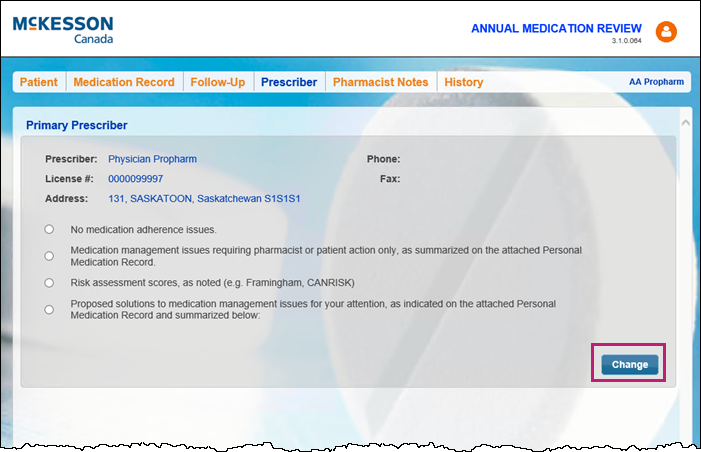
- In the medication review, select the Prescriber tab.
- Select Change.
The Change Prescriber window appears.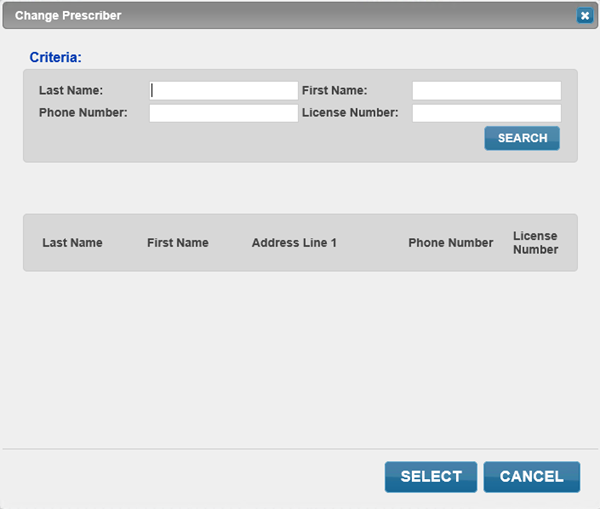
- Search for and select the correct prescriber.
Note: This information does not write back to Nexxsys. If the primary prescriber needs to be changed in Nexxsys, do so in the Patient Folder > Preferences tab.